Can anyone help me with a couple of problems - I seem to have half of the mods (the text/menu parts), but the map itself has remained standard
My system is a Mk3, with 4:3 screen, and is running in an MG ZT - the original MG computer was replaced with one from a BMW running version 22 (plug and play)
I downloaded Night_all_mods_1010 from page 1, and used the version which was current on 12 June.
Apologies for the grainy pics - they were taken on my phone.
With screen set to Split and Day/Night set to 1 (Day), I get the following - blue text but "normal" map
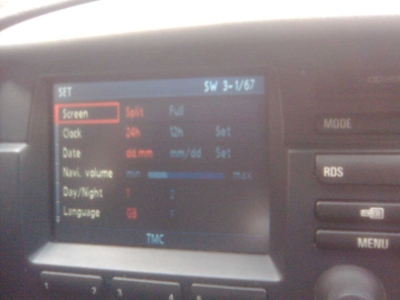


With screen set to Full and Day/Night set to 1 (Day), I get the regular map but with blue text

With screen set to Split and Day/Night set to 2 (Night), I get OEM split screen
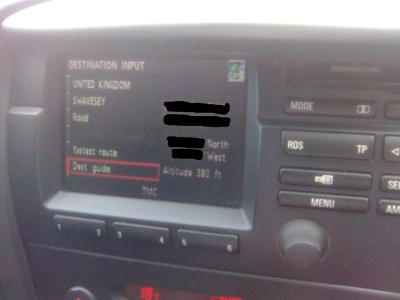

Finally, with screen set to Full and Day/Night set to 2 (Night) I get OEM full screen


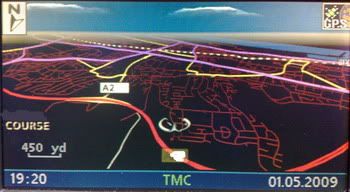
What settings do I need to set to give myself the map below ? I realise I can't have perspective mode, but I'm hoping for the black land and glowing roads...
Quote:
Originally Posted by ccfj1

Hi All,
As promised, Night Mode for the MK3 and MK4 BMW Nav Computers.
 |
+++++++++++++++++++
Finally, can anyone tell me how to add the pointer as above) to a Mk3? Using navtweak, I can't see the standard pointers anywhere, so I can't see how to replace them with these
regards
Graham