Well, despite Jochen's best efforts I can't get the TCU that I bought to pair via bluetooth. If you want to use this method, then I suggest that you avoid the WCDT TCUs - avoid these part numbers:
TcuGSM(9) = 6938763 ' till 03/2004 ENDED SA638 Professional car phone
TcuGSM(10) = 6946011 ' ENDED SA638 Professional car phone
TcuGSM(11) = 6978533 ' RMFD SA638 Professional car phone
TcuGSM(12) = 9187926 ' RMFD SA638 Professional car phone
and try one of these instead:
TcuGSM(0) = 6946991 ' till 01/2005 ENDED SA633 Business mobile phone preparation
TcuGSM(1) = 6965055 ' till 03/2005 ENDED SA633 Business mobile phone preparation
TcuGSM(2) = 6964113 ' till 09/2005 ENDED SA633 Business mobile phone preparation
TcuGSM(3) = 6963758 ' till 07/2006 ENDED SA633 Business mobile phone preparation
TcuGSM(4) = 9129850 ' till 11/2006 ENDED SA633 Business mobile phone preparation
TcuGSM(5) = 9127894 ' till 03/2007 ENDED SA633 Business mobile phone preparation
TcuGSM(6) = 9132712 ' ENDED SA633 Business mobile phone preparation
TcuGSM(7) = 9195454 ' RMFD SA633 Business mobile phone preparation
TcuGSM(8) = 9207075 ' RMFD SA633 Business mobile phone preparation
The good news is that it should be plug and play with a >02/02 E39. There are no wiring or pinout changes required.
I bit the bullet and bought a ULF. It was plug and play with no modifications.
I would advise buying Navcoder as you can then change the ID to your car and enable VR.
Here are some pics:
Before (with the CD player and nav unit removed)
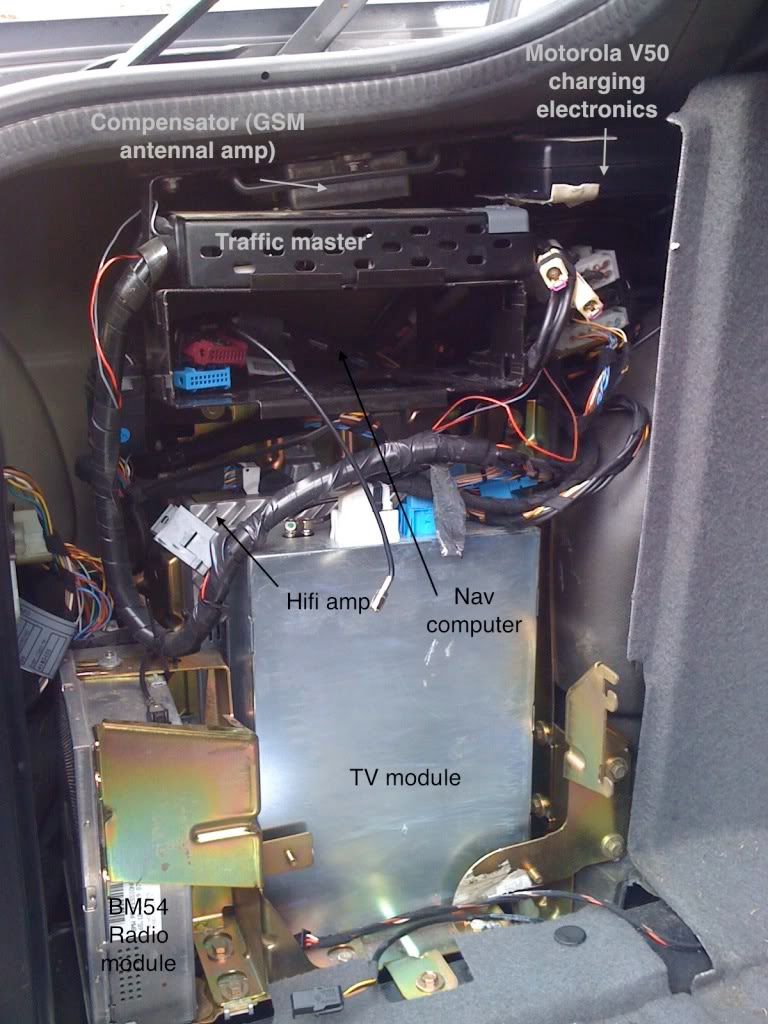
So, remove the traffic master (useless) and old motorola bits (including the 54pin to 25pin adaptor.
Plug in your ULF/TCU.
Remove all of this from the centre console.
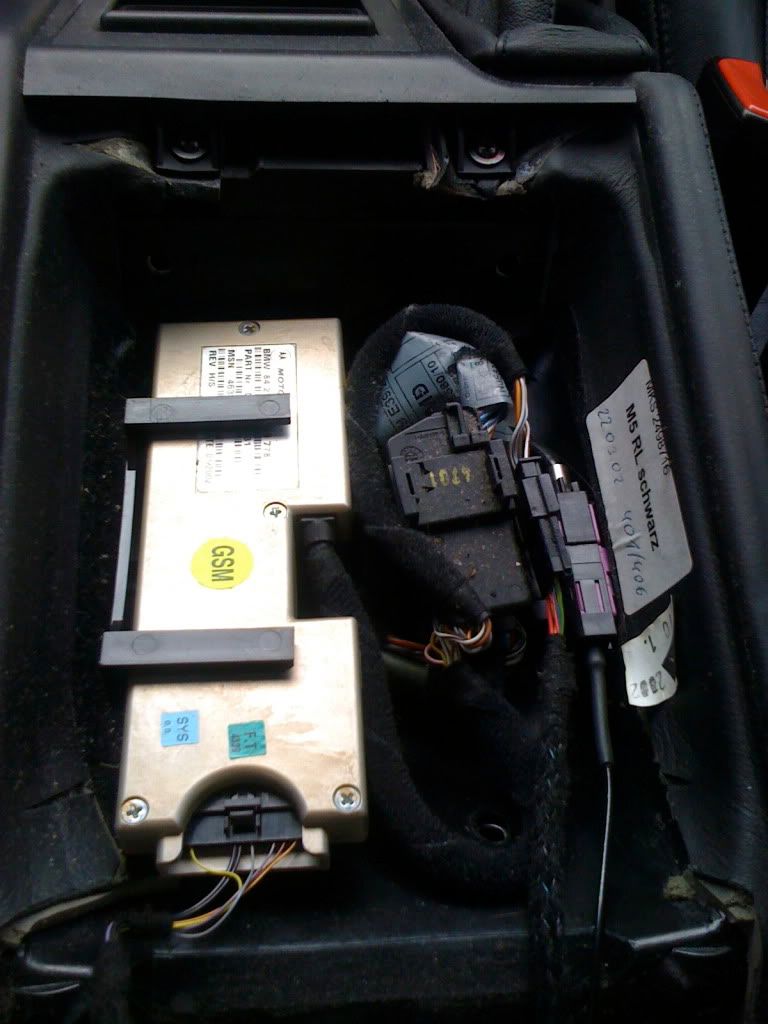
You will be left with one x4545 18pin connector and two fakras - both go to the trunk - one to the compensator for the gsm signal and one goes to the ULF/TCU which we will use for bluetooth.
Attach a bluetooth antenna to the Fakra connector, stick it down to stop it rattling, and replace the old eject box with either a blank or an eject box of your choice. (if you have fitted a ULF, you can pair using navcoder, so don't need a bluetooth eject box).
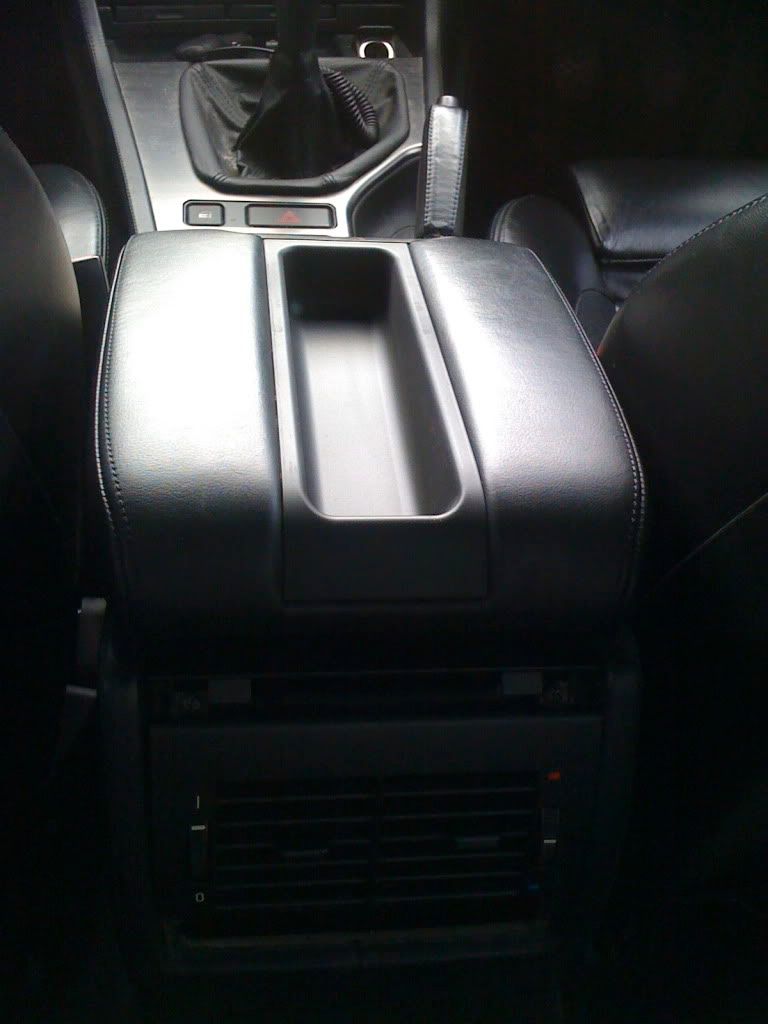
That is it.